 Flofocus
Pomodoro timer for studying, kept simple.
Set your focus and break lengths, tag what you are studying, and see where your focus time goes each day, week and month.
Sound familiar?
I sit down to study and end up on my phone ten minutes later.
25 minutes feels too short for some subjects and too long for others.
I can't tell how much time I really spent on each subject.
The exam is close and I don't know how many sessions I need.
What Flofocus gives you
Your own focus and break lengths
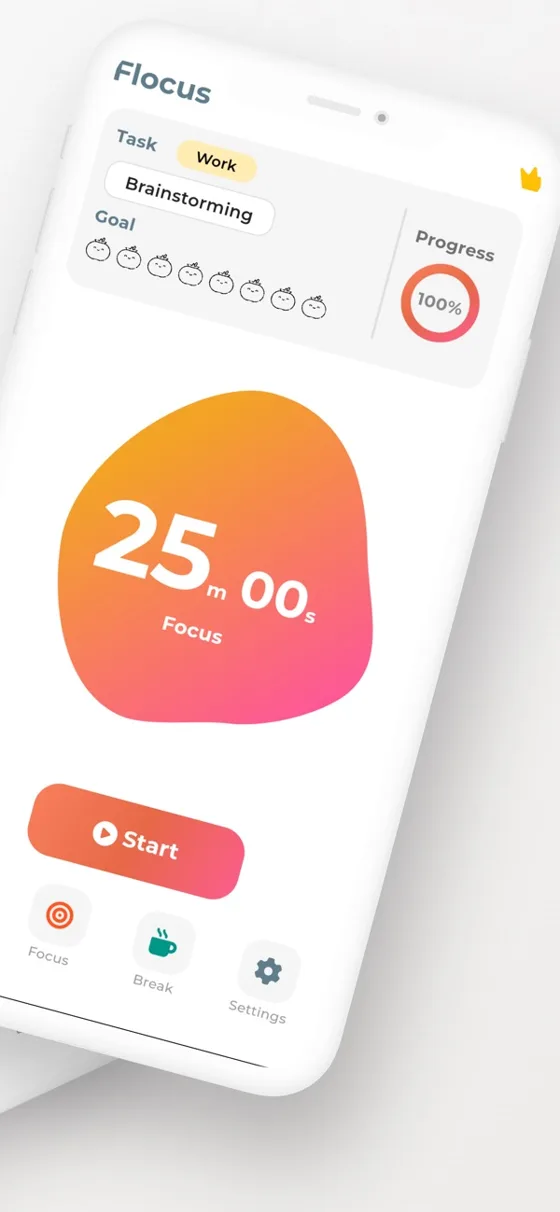
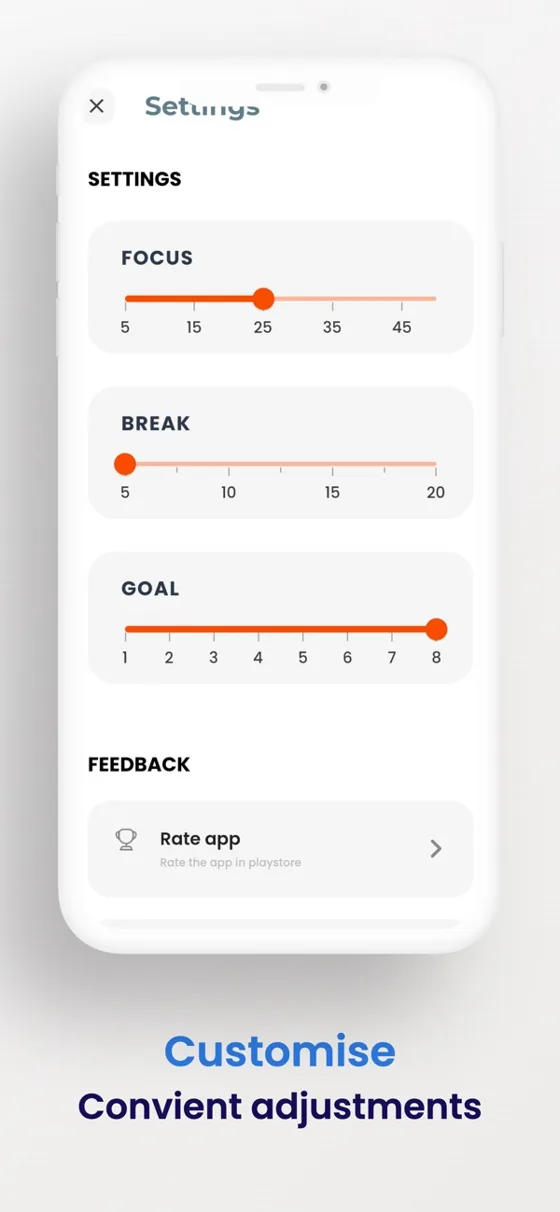
Set focus from 5 to 45 minutes, a short break, and a separate long break length. Turn on auto-start to roll into the break.
Daily goal
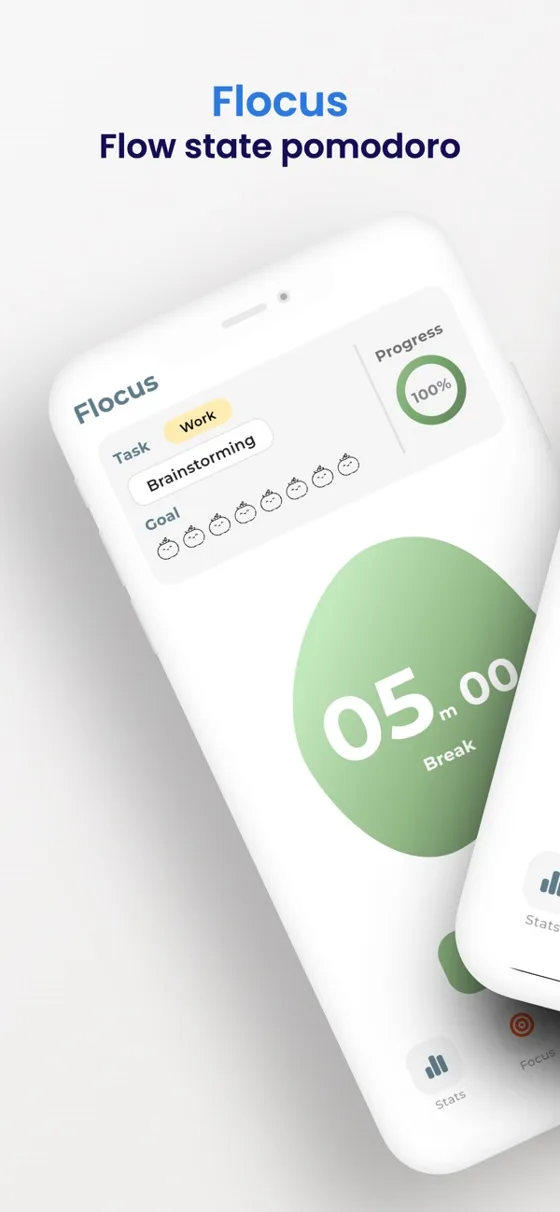
Choose how many pomodoros you want today and watch the progress ring and tomato row fill up.
Tasks with tags
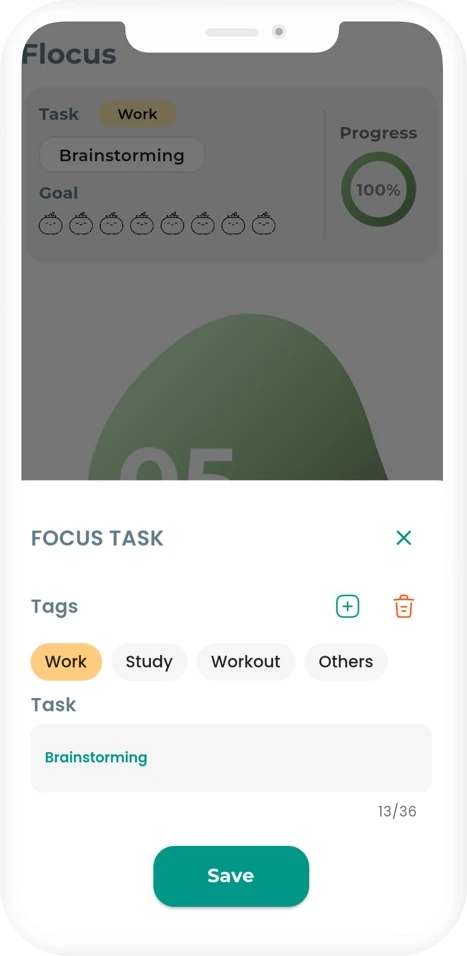
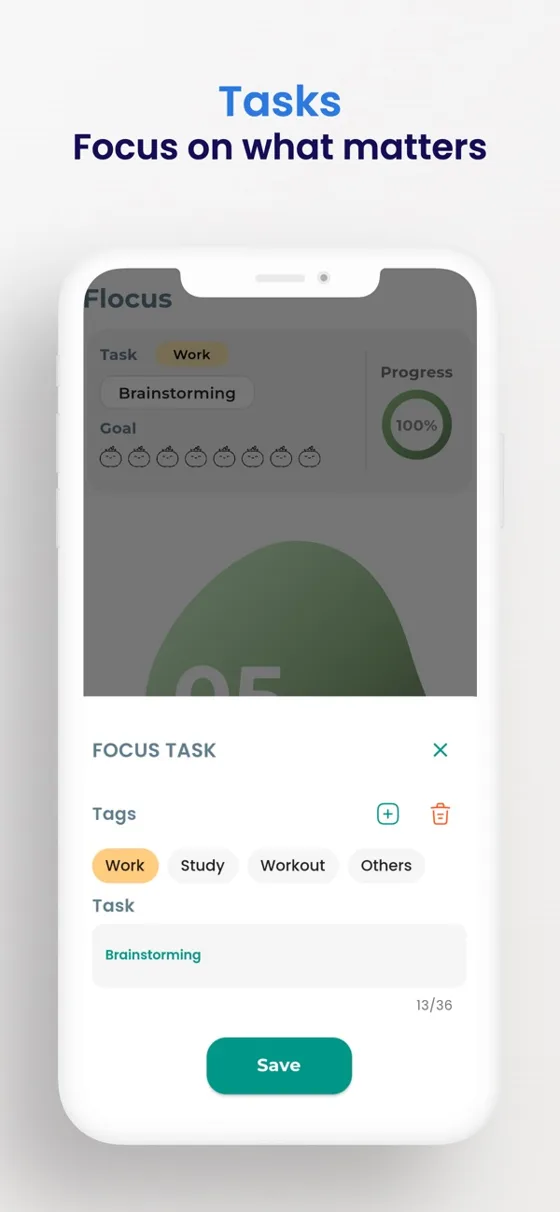
Name what you are working on and tag it Work, Study, Workout or your own tags.
Focus statistics
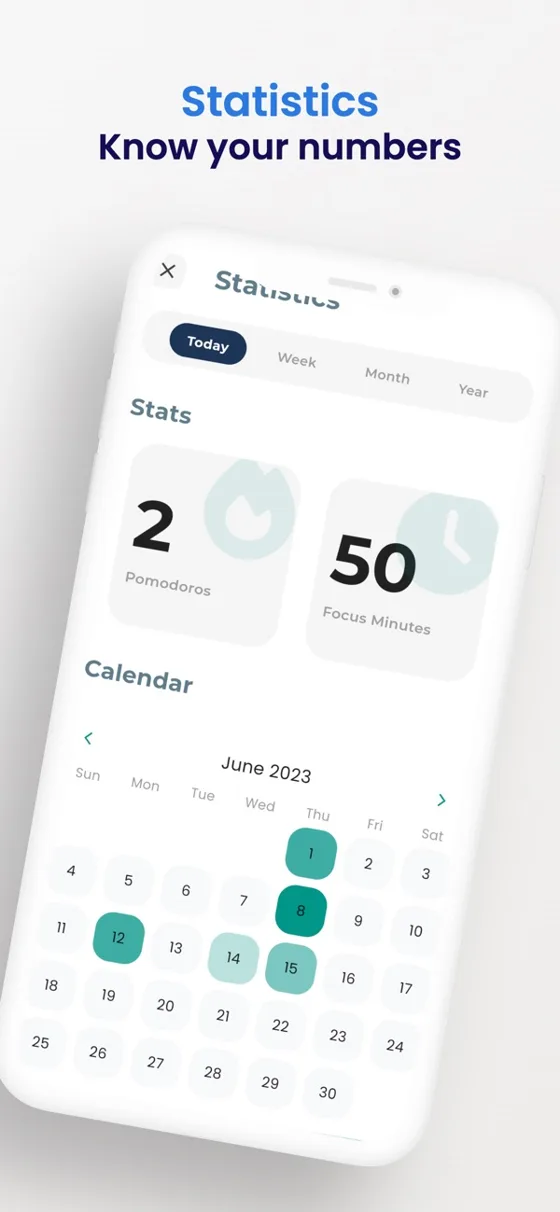
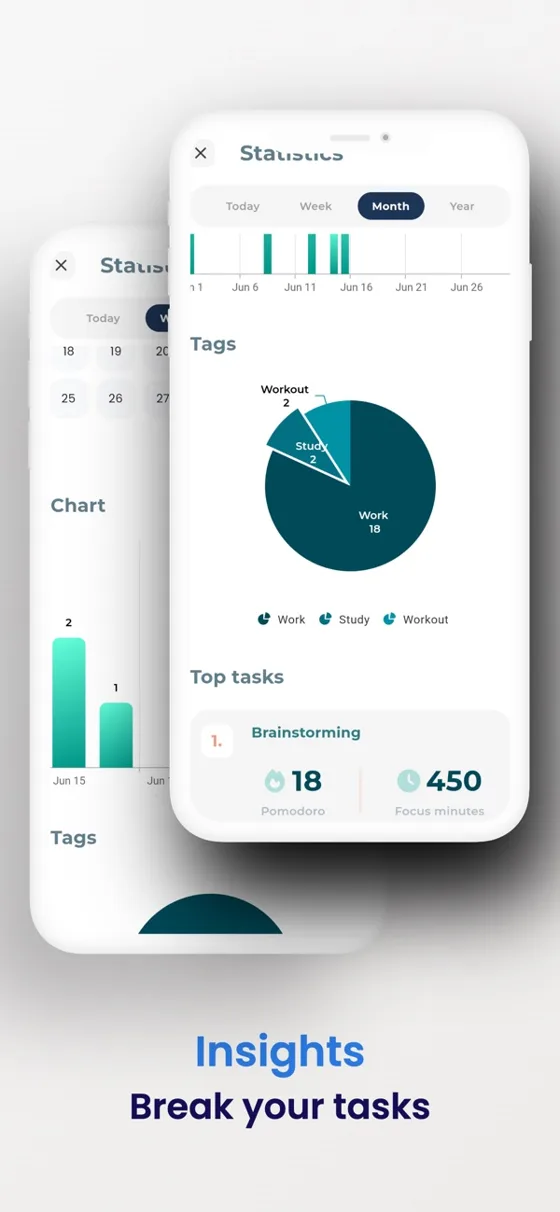
See sessions and focus minutes, a calendar, a chart by tag and your top tasks.
Sounds, themes and dark mode
Play background sounds like rain or ocean while you focus, pick a colour theme, and switch to dark mode.
Works offline, can lock
No internet needed. The screen stays awake while the timer runs, and App Lock protects your data.
Straight from the App Store
How it works
Pick a task and a tag
Write what you are about to study and tag it, so your stats show where the time went.
Start the timer
Focus for 25 minutes or your own length, then take the break. Repeat until you reach your goal.
Check your numbers
Open Statistics to see your sessions, focus minutes and tags over time.
No account, works offline
There is no sign-up. Your tasks and sessions are stored on your phone, and you can export or import them as a file whenever you like.
Free guides
Free tools
- Pomodoro timerA free Pomodoro timer that runs in your browser tab. Custom focus and break lengths, a long break every 4 sessions, a soft sound at the end, and the time in the tab title.
- Study plannerEnter your exam date, the hours you need and your sessions per day to get a day-by-day plan of focus sessions you can print.
Questions
What is the Pomodoro technique?
You work in focused blocks, traditionally 25 minutes, separated by short breaks. Flofocus times the blocks and breaks and lets you change the lengths.
Can I change the 25 and 5 minute lengths?
Yes. In Settings, set focus from 5 to 45 minutes, a break, and a separate long break.
Is Flofocus free?
It is free to download. Some features, such as longer statistics ranges and extra sounds, need Premium.
Do I need an account?
No. There is no sign-up and the app works offline.
Is there a long break?
Yes. You set a long break length in Settings and choose it when you want it.
Is there a timer in the browser?
Yes. The free Pomodoro timer on this site works in your tab. Keep the tab open while it runs.
Your next session starts here.
Download Flofocus free on Android and iPhone.